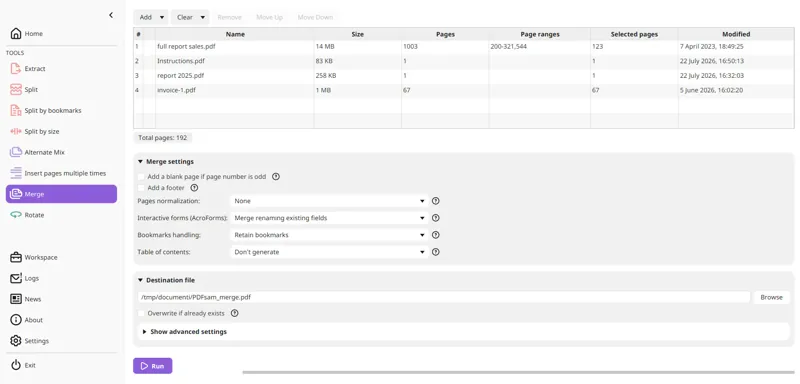
 Merge
Merge PDF files
Combine two or more PDF documents into one.
Read guide →PDFsam Basic helps you split, merge, extract, rotate and mix PDF files on your Windows computer. Work locally, without uploading your documents.
Pick the right version for your work: Basic for free page tools, Visual for advanced organization, Enhanced for content editing.
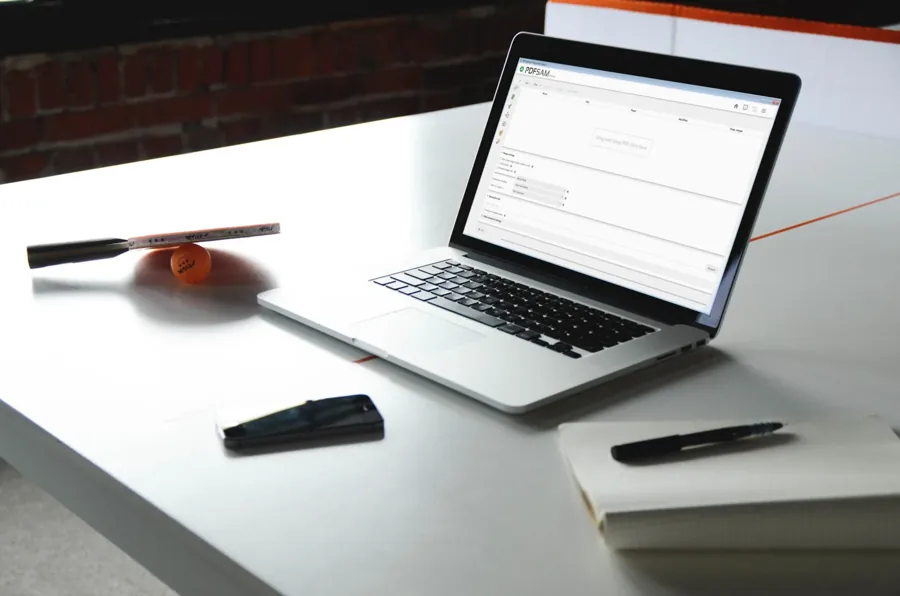
Free, open source: merge, split, rotate, extract and mix PDF pages offline.
Explore PDFsam Basic →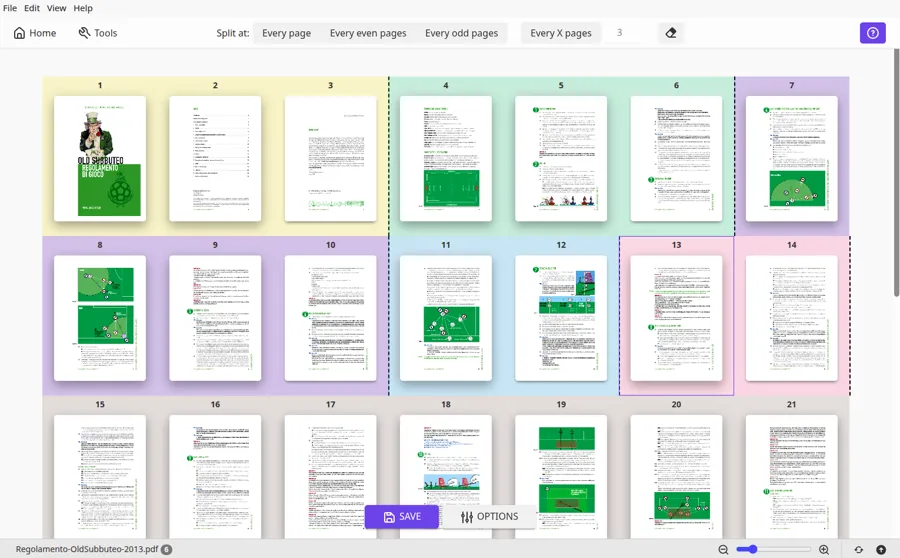
A separate commercial toolbox for visual page organization and additional PDF tasks.
Compare editions →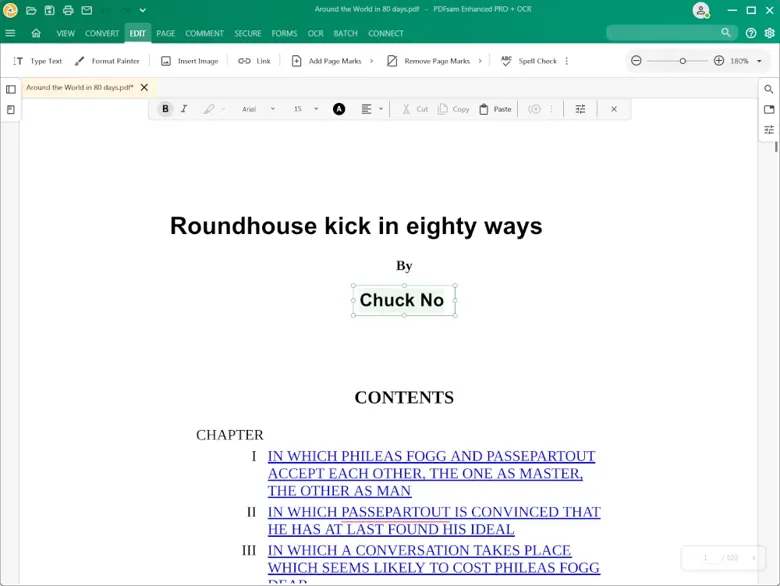
A separate PDF editing product with text, image, conversion and OCR workflows.
Compare editions →Combine documents, extract selected pages, rotate sideways scans and work with PDF files entirely on your PC. The Basic edition does not edit text inside the page or perform OCR.
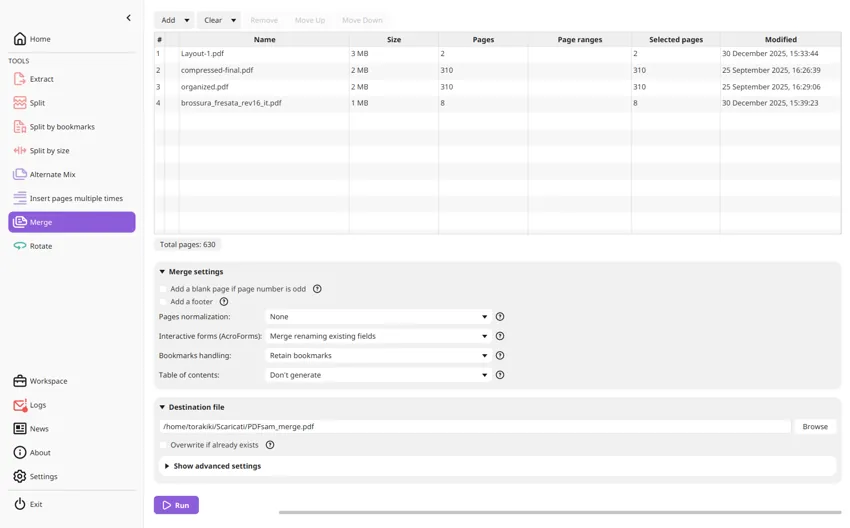
Choose the exact action, see the result you should expect, and check common pitfalls before working on important PDFs.
MergeCombine two or more PDF documents into one.
Read guide →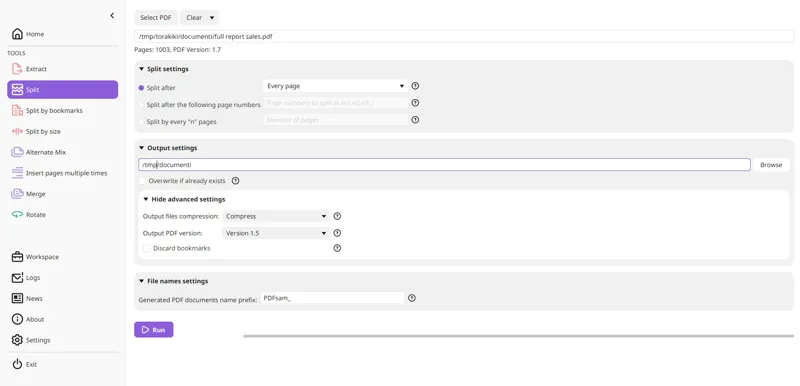 Split
Split by page positions, bookmark or file size.
Read guide →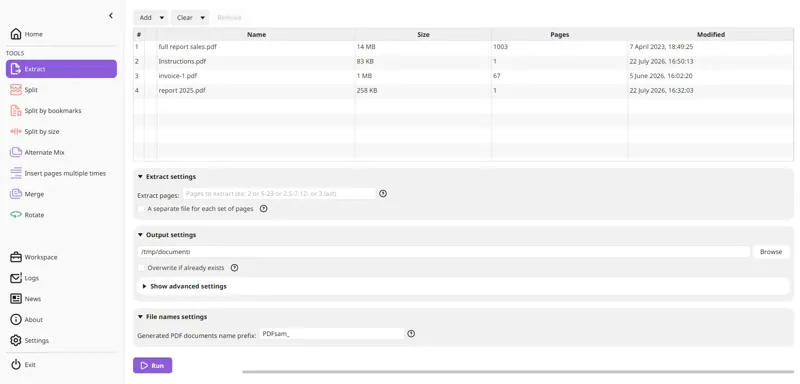 Extract
Keep the selected pages in a new PDF.
Read guide →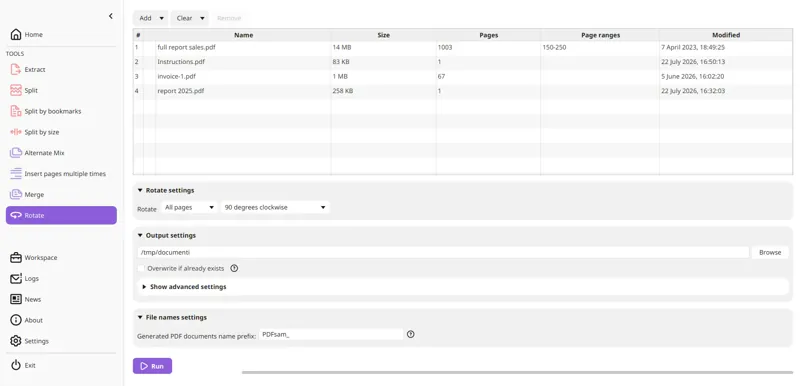 Rotate
Correct sideways document orientation.
Read guide →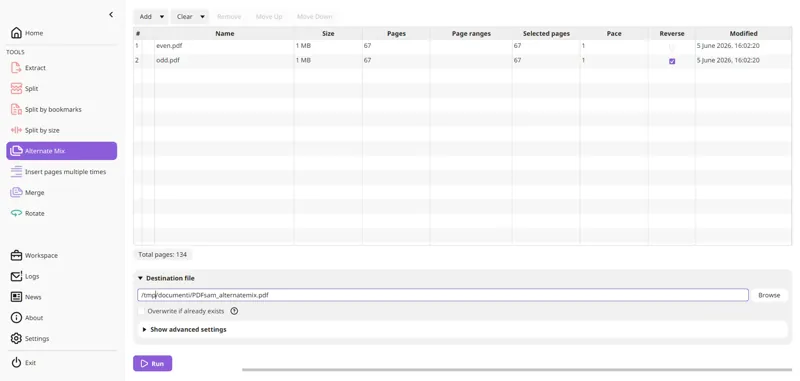 Mix
Interleave scanned front and back pages.
Read guide →InstallCheck requirements and installer choices.
Read guide →PDFsam means PDF Split and Merge. PDFsam Basic is the free open-source program for combining, splitting, extracting, rotating and mixing PDF pages locally.
Yes. PDFsam Basic is free and open source under the AGPL. PDFsam Visual and PDFsam Enhanced are different editions with separate licensing.
PDFsam Basic supports modern 64-bit Windows 10 and Windows 11 PCs. Check the latest installer requirements before installation.
PDFsam Basic processes PDFs on your own computer, without uploading document content to an online processing service.
No. Basic handles whole PDF pages. Text editing and OCR belong to other PDF products and editions.